
How to Set Up a Photo Booth Step by Step at the Event
You arrive at the event, the clock is ticking and the guests are about to come in. Setting up the photo booth in a rush and with no method is the recipe for a live failure. Follow this proven order and you'll have the equipment ready, tested and perfect before the first guest arrives.
In short
To set up a photo booth at an event, follow this order: 1) choose the location (near an outlet, with space and good light), 2) assemble the structure and level it, 3) position the camera, lighting and backdrop, 4) connect and launch the software, and 5) run real tests before opening. An unhurried setup takes between 30 minutes and 1 hour depending on the model, so arrive with time to spare.
Step 1: Choose the location well
Where you place the photo booth shapes everything else. Look for:
- Near a power outlet (avoid extension cords crossing walkways).
- Enough space for the equipment and for guests to move. With a 360 this is critical: review dimensions and space.
- Controllable lighting: avoid harsh overhead spotlights or windows with shifting direct sun.
- A visible spot, but not right in the waiters' path.
Always arrive with time to scout the space before unloading.
Step 2: Assemble and level the structure
Each model has its own mechanics, but the principle is the same: stable and level.
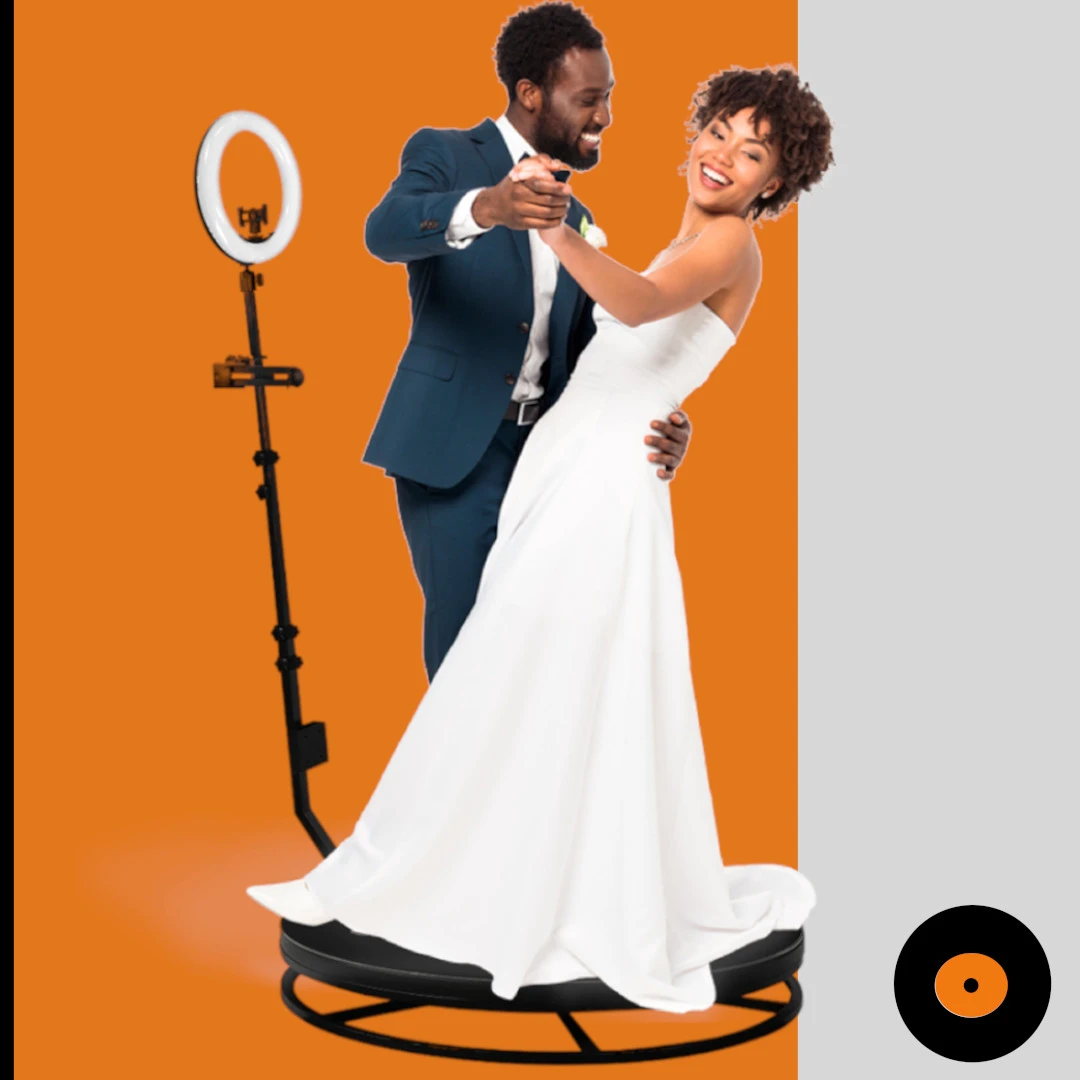
360 platform
Assemble the base, make sure it's perfectly level (an uneven floor ruins the spin) and secure the motorized arm. Review how it works in how a 360 photo booth works.
Mirror or vintage
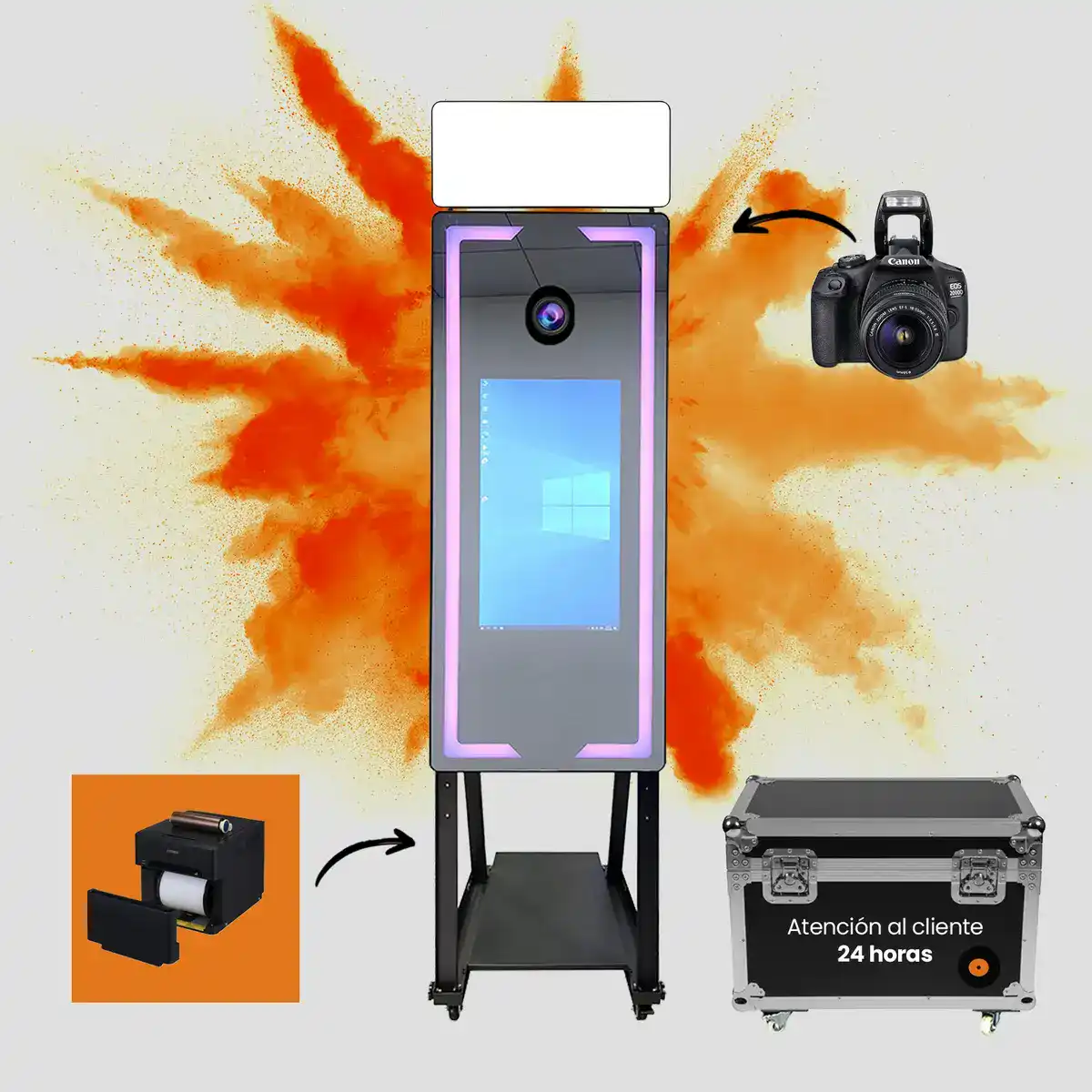
Place the unit on firm ground and check the stability. The magic mirror and the premium vintage set up quickly, but always verify they don't wobble.
A poorly leveled structure doesn't just look bad: it can ruin videos and photos all night long.
Step 3: Camera, lighting and backdrop
With the structure ready, comes the part that defines image quality:
- Camera: position it and check the framing and focus. More in cameras for photo booths.
- Lighting: turn on the ring or softbox and adjust the intensity to the venue's light. It's the accessory that changes the result the most (see accessories).
- Backdrop: tension and place the backdrop without wrinkles; light it evenly.
Spend a couple of minutes on this step: this is where the perception of quality is won or lost.
Step 4: Connect and launch the software
Turn on, connect the camera and open the photo booth software. Check:
- That the camera is recognized correctly.
- That the template, branding and music for the event are loaded.
- That digital delivery (QR, AirDrop, email) works and, if you print, that the printer responds.
Good software makes this step almost automatic; find out what it should have in best 360 photo booth software.
Step 5: Run real tests (mistakes to avoid)
Never open without testing the full cycle with a real person.
Final checklist
- Record or photograph a complete test from start to finish.
- Check that the video/photo processes and is delivered properly.
- Verify the sound and the slow motion (on the 360).
- Print a test copy if you offer printing.
Typical mistakes
- Setting up in a rush and not testing.
- Not bringing your own extension cord and power strip.
- Ignoring the venue's ambient light.
- Having no plan B for connectivity for digital delivery.
With this method, setup stops being stressful and becomes routine. Doubts about your specific model? Write to us at contact.
Frequently Asked Questions
How long does it take to set up a photo booth?
Between 30 minutes and 1 hour depending on the model, doing it unhurried and including the final tests. It's advisable to arrive at the event with at least an hour to spare to scout the space, set up calmly and test the full cycle before the guests come in.
What do I need to set up a photo booth at an event?
The equipment, a nearby power outlet (with your own extension cord and power strip), enough space, adequate lighting and the software configured with the event's template. If you offer printing, also the printer with spare paper and ink.
Is it hard to set up a 360 photo booth?
It's not hard, but it requires leveling the base well and securing the motorized arm correctly, because an uneven floor affects the spin. Following the assembly order and testing before opening, anyone can have it ready in a few minutes.
Do I need technical staff to set it up?
No. ComprarFotomatón photo booths are designed to be set up without technical knowledge, and they also include lifetime support to resolve any doubt. A prior test is enough to operate the equipment confidently during the event.
Need Help Choosing?
We're direct manufacturers. We'll advise you with no obligation for your case.